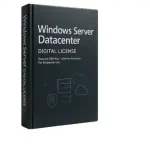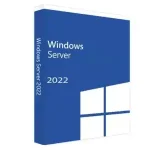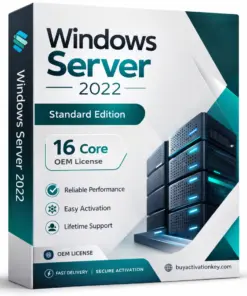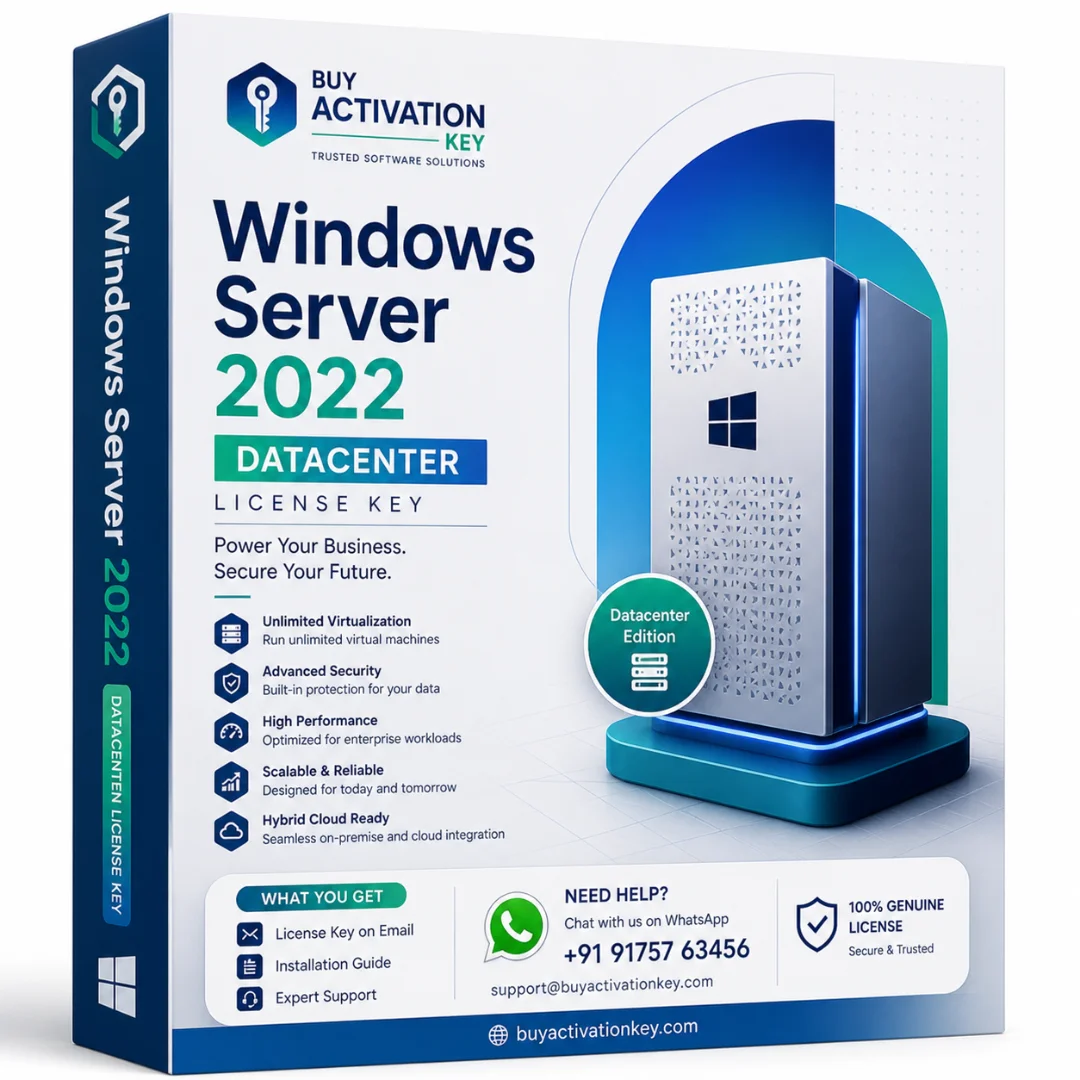


Windows Server 2022 Datacenter License Key
• Windows Server 2022 License Key – compatible with 32-bit and 64-bit systems.
• The product key is sent to your Email immediately after payment.
• Includes the official download link with easy installation steps.
• Activates Windows Server 2022 Datacenter on one server/device.
• Single purchase license – no monthly or yearly subscription required.
• Works on both fresh installations and existing setups.
• Eligible for official system updates and security patches.
- Estimated Delivery : Instent Via Email Or Whatsapp
- License Type : Genuine License key
Description
Windows Server 2022 Datacenter Overview
Windows Server 2022 Datacenter is designed for organizations that operate large-scale infrastructure environments and require advanced virtualization capabilities, enhanced security architecture, and modern data center management tools. Businesses rely on server operating systems to manage enterprise applications, store data securely, and maintain reliable internal network environments.
The Windows Server 2022 Datacenter license is typically used by organizations that deploy highly virtualized infrastructure or operate large data center environments. This edition provides enterprise-level capabilities for virtualization, infrastructure automation, and network management, making it suitable for businesses that manage multiple workloads within server environments.
Companies evaluating windows server 2022 datacenter, server 2022 datacenter, and windows server datacenter 2022 often consider this edition when building scalable infrastructure platforms capable of supporting enterprise applications and virtualization workloads.
Enterprise Server Infrastructure
Server operating systems are used to manage computing resources within an organization. They provide centralized management for applications, storage systems, and internal communication services used by employees and departments.
Organizations that deploy modern infrastructure platforms often compare windows server 2019 vs 2022 when planning upgrades to newer server environments. Windows Server 2022 introduces improvements in security architecture, infrastructure management tools, and hybrid deployment capabilities that help organizations maintain reliable and secure server systems.
This platform allows administrators to manage enterprise workloads, deploy applications, and monitor system performance across physical and virtual infrastructure environments.
Key Features of Windows Server 2022 Datacenter
- advanced virtualization infrastructure support
• scalable enterprise server environment
• centralized system administration tools
• secure network communication architecture
• enterprise workload hosting capabilities
• improved infrastructure management features
These capabilities help organizations operate high-performance server environments that support modern enterprise applications and data center workloads.
Virtualization and Data Center Environments
The Datacenter edition is typically deployed in environments where organizations operate large numbers of virtual machines or require extensive virtualization infrastructure. Businesses that operate private data centers or cloud-integrated environments often use Datacenter server editions because they provide greater flexibility when managing virtualized workloads.
Modern infrastructure environments frequently combine on-premise server deployments with cloud platforms, allowing organizations to maintain hybrid systems that support both local infrastructure and remote services.
The windows server 2022 datacenter azure edition concept highlights how modern server environments integrate with cloud infrastructure to support hybrid deployment strategies used by enterprise organizations.
Server Infrastructure and Licensing
Server licensing models help organizations manage how infrastructure software is deployed within enterprise environments. Businesses evaluating windows server 2022 datacenter license, windows server 2022 datacenter price in india, and windows server 2022 datacenter key often review licensing options before implementing server infrastructure solutions.
Understanding server licensing helps organizations deploy enterprise systems while maintaining compliance with infrastructure licensing frameworks.
System Requirements
Processor
64-bit compatible processor
Memory
Minimum 2 GB RAM (higher recommended for production environments)
Storage
Minimum 32 GB available disk space
Network
Reliable network connectivity for enterprise workloads
Internet Connection
Required for updates and infrastructure configuration
Infrastructure Deployment
Organizations use server platforms to manage enterprise services such as file storage, application hosting, and internal communication systems. Server environments allow administrators to monitor system activity, manage user permissions, and deploy business applications across centralized infrastructure systems.
Companies deploying new infrastructure may also evaluate windows server 2022 standard, windows server 2019 standard, and windows server 2016 standard to determine which server version best supports their operational requirements.
Internal Reference
Businesses building enterprise infrastructure environments often deploy multiple server platforms together. Organizations evaluating modern infrastructure solutions may also explore Windows Server 2022 Standard, Windows Server 2019 Standard, and Windows Server 2025 Standard when planning server architecture for enterprise workloads.
Official Documentation Reference
For detailed technical documentation and server platform architecture, organizations can review official server documentation here:
Only logged in customers who have purchased this product may write a review.


Reviews
There are no reviews yet.