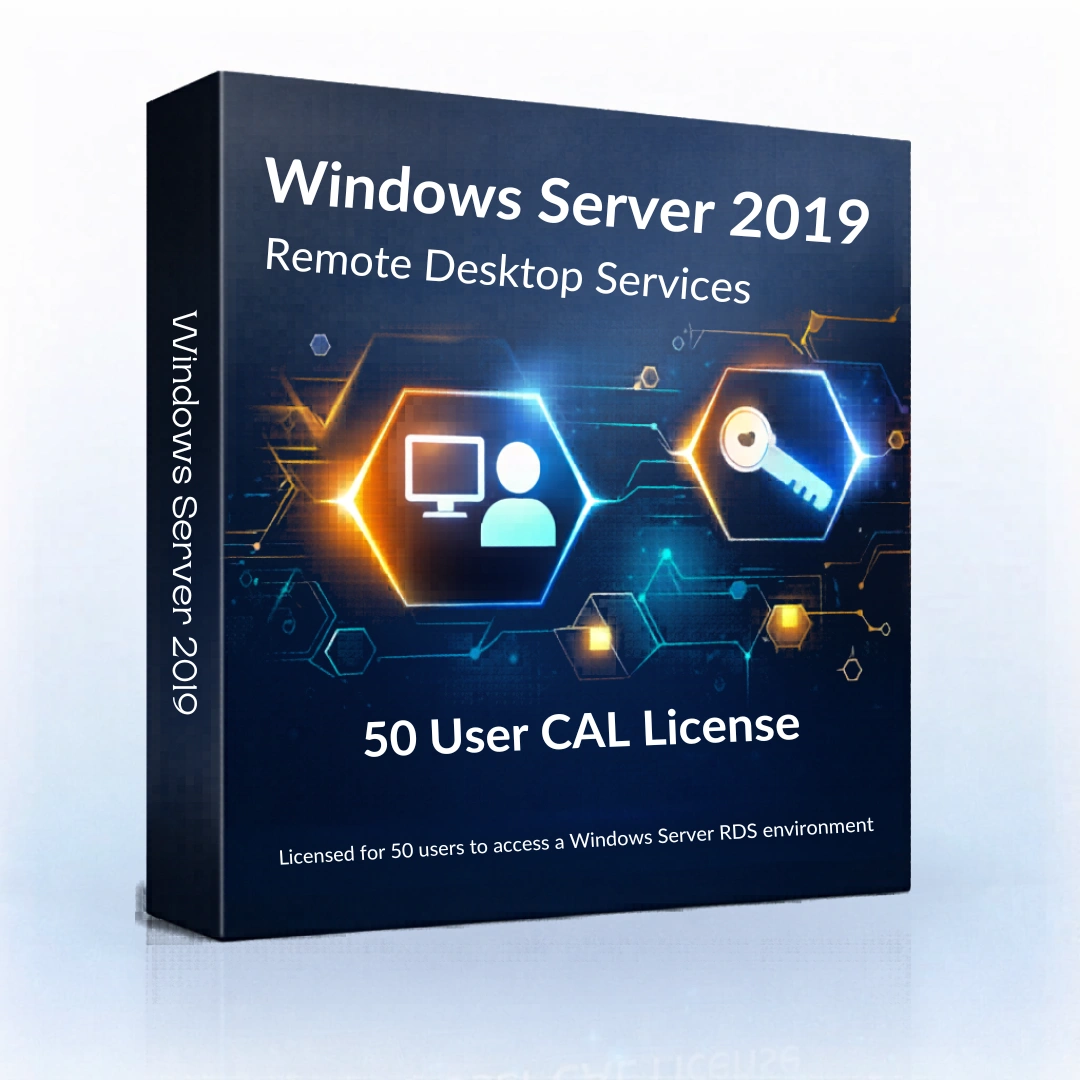
Windows Server 2019 RDS 50 User CAL License
- Estimated Delivery : Instent Via Email Or Whatsapp
- License Type : Genuine License key
Description
Windows Server 2019 RDS 50 User CAL License (Remote Desktop Services)
Windows Server 2019 Remote Desktop Services allows organizations to provide secure remote access to applications and desktops through centralized infrastructure management. The Windows Server 2019 RDS User CAL license enables multiple users to connect to the server environment using Remote Desktop Services.
With Remote Desktop Services, organizations can run applications and desktops directly from the server while users access them remotely using secure connections. This approach simplifies IT infrastructure management and enables companies to maintain centralized control over enterprise applications and network resources.
The Windows Server 2019 RDS 50 User CAL license allows up to fifty individual users to access Remote Desktop Services hosted on a Windows Server system. This licensing model is commonly used in enterprise environments where businesses need to support multiple users accessing server applications simultaneously.
Remote Desktop Services and Remote Desktop Protocol
Remote Desktop Services and Remote Desktop Protocol (RDP) are closely related but serve different functions within the Windows Server platform.
Remote Desktop Protocol is the communication protocol used to connect devices to remote servers. Remote Desktop Services is the Windows Server role that enables administrators to deploy remote desktop environments and manage multiple user connections within the server infrastructure.
By combining RDS with RDP technology, organizations can create secure remote access environments for employees, administrators, and enterprise users.
Many organizations compare Remote Desktop Services deployments across different Windows Server versions before choosing the right infrastructure platform. Businesses may also explore Windows Server 2022 RDS User CAL, Windows Server 2022 Standard, and Windows Server 2016 Standard to understand differences in security features, infrastructure management tools, and server capabilities.
For detailed technical specifications and deployment guidance, organizations can review Microsoft’s official documentation:
https://learn.microsoft.com/windows-server/remote/remote-desktop-services/
Key Features of Windows Server 2019 Remote Desktop Services
- Secure remote access to applications and desktops
• Centralized application hosting within server infrastructure
• Multi-user remote connection capability
• Server-based application deployment
• Infrastructure management through Windows Server tools
• Secure network communication using Microsoft security technologies
These capabilities allow organizations to operate remote desktop environments efficiently while maintaining centralized infrastructure control.
The Windows Server 2019 Remote Desktop Services environment allows multiple users to securely connect to server-hosted applications and desktops through centralized infrastructure management.
Enterprise Remote Access Environment
Businesses use Remote Desktop Services to enable remote work environments and shared application platforms. Instead of installing software on every individual computer, applications can be hosted on a server and accessed remotely by authorized users.
Administrators can monitor sessions, manage access permissions, and maintain infrastructure performance through integrated Windows Server management tools.
This model improves operational efficiency while reducing the complexity of managing distributed software installations across multiple devices.
Windows Server Infrastructure and Licensing
Microsoft server environments use Client Access Licenses (CALs) to allow users or devices to access server services. Organizations evaluating Windows Server licensing models often choose between User CAL and Device CAL depending on how their infrastructure is deployed.
The Windows Server 2019 RDS User CAL license allows individual users to connect to Remote Desktop Services regardless of the device they are using.
This licensing structure helps businesses maintain compliant server environments while supporting remote access for multiple users.
System Requirements
To deploy Remote Desktop Services on Windows Server environments, the server infrastructure should meet recommended hardware specifications.
Processor
64-bit processor compatible with Windows Server
Memory
Minimum 2 GB RAM (higher recommended for multi-user environments)
Storage
Minimum 32 GB available disk space
Network
Reliable network connection for remote desktop sessions
Internet Connection
Required for updates and configuration
Organizations upgrading infrastructure often compare this version with Windows Server 2022 RDS User CAL and Windows Server 2022 Standard to evaluate improvements in security and remote access capabilities.
Only logged in customers who have purchased this product may write a review.


Reviews
There are no reviews yet.