101% Original
Lowest Price
Instent Delivery

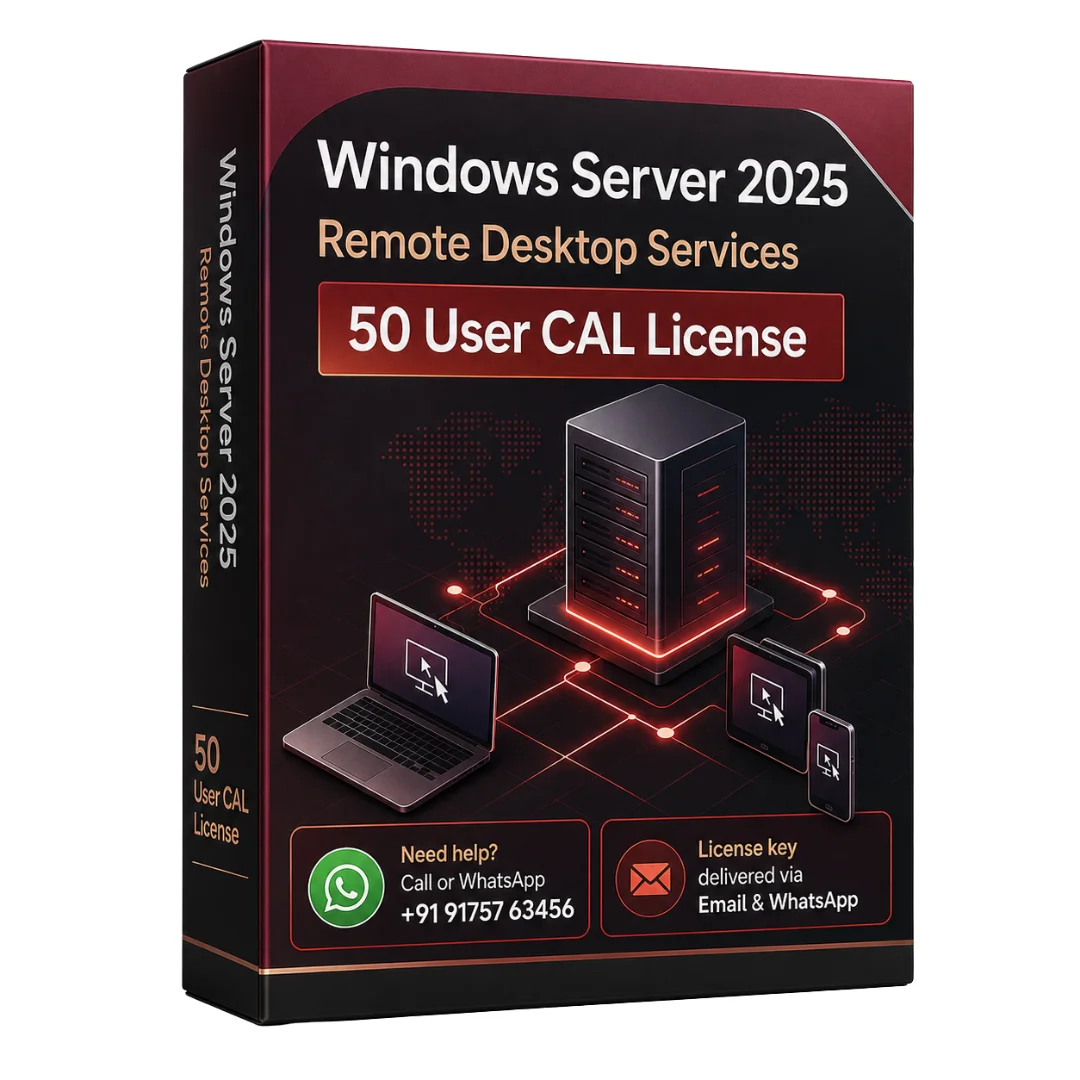
Windows Server 2025 Remote Desktop Services 50 User CAL License

5,215

9 products sold in last 12 hours
Selling fast! Over 16 people have in their cart
  • License key will be sent to your email address and WhatsApp after payment.
  • It will come with official download links and installation instructions.
  • One-time purchase with lifetime validity. No monthly or annual subscription required.
  • You will receive all official updates.
  • Supports all languages and works worldwide.
  • We provide support if you are unable to activate the key.
29 people are viewing this right now
  • Check Mark Estimated Delivery : Instent Via Email Or Whatsapp
  • Check Mark License Type : Genuine License key
Guaranteed Safe And Secure Checkout

Description

Windows Server 2025 RDS 50 User CAL License is designed for businesses that need licensed Remote Desktop Services access for multiple users. This product allows up to 50 assigned users to connect to Remote Desktop Services in a properly licensed Windows Server 2025 environment.

This license is suitable for offices, IT teams, companies, and organizations that use remote desktops, centralized applications, internal business tools, or server-based access. A Remote Desktop Services CAL is required when users connect to an RDS session host. This makes Windows Server 2025 RDS 50 User CAL a useful licensing option for businesses that want structured and compliant remote access.

Please note that this product is a Client Access License only. It does not include the Windows Server 2025 Standard or Datacenter operating system. To use this license correctly, your business must already have a valid Windows Server 2025 setup with Remote Desktop Services configured.

Microsoft Remote Desktop Services CAL documentation

Key Features of Windows Server 2025 RDS 50 User CAL

50 User CAL License
Allows up to 50 licensed users to access Remote Desktop Services.

User-Based Licensing
Best for users who connect from different devices such as office desktops, laptops, or remote systems.

Remote Desktop Services Access
Helps businesses provide secure access to desktops, applications, and internal resources.

Windows Server 2025 Compatibility
Designed for Remote Desktop Services environments running on Windows Server 2025.

Business Use
Suitable for companies, IT departments, enterprises, offices, and managed server environments.

Perpetual License Model
Useful for long-term business licensing without monthly subscription billing.

Microsoft RDS CAL installation guide

Benefits of Windows Server 2025 RDS 50 User CAL

Windows Server 2025 RDS 50 User CAL helps businesses manage remote access in a proper and organized way. It is useful when employees need to access business applications, files, desktops, or internal systems from different locations.

Because this is a User CAL, the license is assigned to users instead of devices. This is helpful for businesses where one user may work from more than one system. It also supports better flexibility for office and remote work environments.

This license is a strong option for IT-managed setups where secure access, centralized control, and long-term licensing are important.

How to Install Windows Server 2025 RDS 50 User CAL

Install and configure Remote Desktop Services on Windows Server 2025.

Add the Remote Desktop Licensing role.

Open Remote Desktop Licensing Manager.

Enter the required RDS CAL license details.

Set the licensing mode to User CAL.

Verify that the RDS license server is activated and working correctly.

How to Use

  1. Create and manage users through Active Directory.
  2. Configure Remote Desktop Session Host settings.
  3. Assign access to approved users.
  4. Allow licensed users to connect to remote desktops or applications.
  5. Monitor license usage through Remote Desktop Licensing Manager.
  6. Maintain proper licensing for all active users.

Use Cases

Business remote desktop access

Remote application access

Office and enterprise IT environments

Centralized desktop infrastructure

Internal business software access

Managed server environments

Hybrid and on-premise server setups

For a complete server setup, you can also explore Windows Server 2025 Standard License.

For advanced virtualization and enterprise workloads, check Windows Server 2025 Datacenter License.

For older server environments, you may also view Windows Server 2022 RDS CAL License.

External Documentation

For official licensing guidance, refer to Microsoft Remote Desktop Services CAL documentation and Windows Server licensing information. For this specific SKU, you can also check the HPE Windows Server 2025 RDS 50 User CAL product details.

Conclusion

Windows Server 2025 RDS 50 User CAL License is a practical solution for businesses that need licensed Remote Desktop Services access for up to 50 users. It supports secure remote desktop usage, centralized access, and IT-managed business environments.This license is best for organizations that already use or plan to deploy Windows Server 2025 and need proper RDS access for multiple users.

Reviews

There are no reviews yet.

Only logged in customers who have purchased this product may write a review.